Preview
From a description to a preview
The preview is the version you can open. It appears when Nyravi has generated the project and checked the build.
 NyraviProduct guide
While it is being written
After you press Build, the project shows what Nyravi is doing. The preview area stays empty until that version is ready. That is expected. You can leave the page. The conversation and the project remain on your account.
When a version is ready
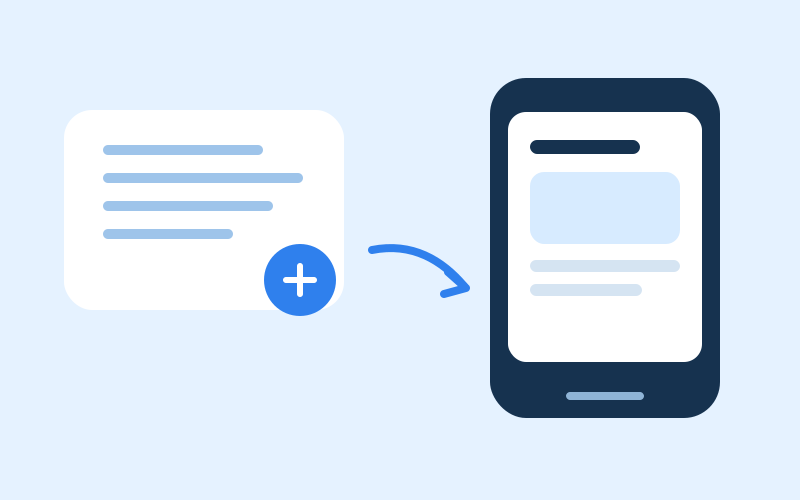
Open Preview in the project. A website or web app opens in the browser frame. An API opens its documentation. A mobile app opens in a phone frame. A logo or an image opens in the same preview.
If you want a different version
Wait until the current step finishes, then write the change in the chat. The next version is the same product. Do not start a second project unless you want a separate product.
Opening it somewhere else
When a preview address exists, Open takes you to that preview. Publishing is a separate step. Publish when you are ready to share a Nyravi address. The preview can be used before you publish.