Process
How a product gets built
Choose a product, describe it or start from a template, then preview and publish from the same project.
 NyraviProduct guide
Where you start
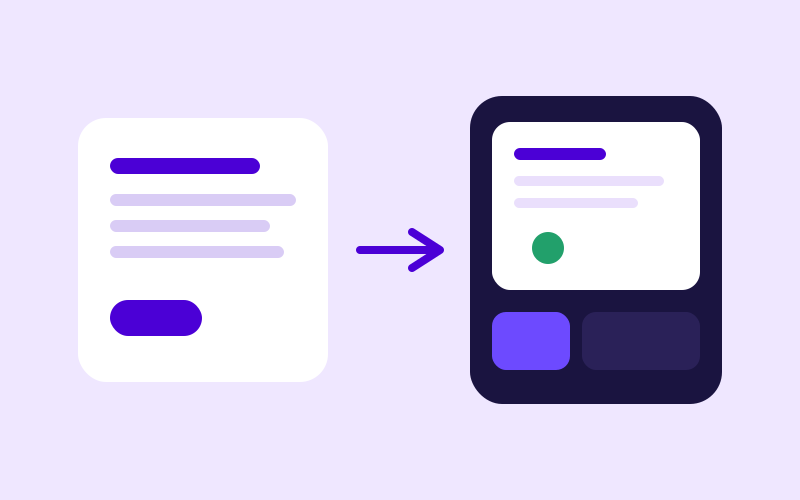
Start on the home page. Choose a website, a web app, a backend API, a mobile app, a logo, or images. Describe the product in your own words, or open Templates and use a live demo. You can attach a file with the description. Press Build. Nyravi opens one project for that request.
What happens in the project
Nyravi generates the project, checks the build, and prepares it for preview and deployment. The project shows that progress in plain language. You can leave and come back. The chat, the files, and the preview stay with that project.
Preview, then publish
The preview opens when that version is ready to view. A website, web app, API, or mobile app can then be published on a Nyravi address. A logo or an image is finished in the preview and does not use Publish. A custom domain and source download are part of Pro.
A later change
Write the change in the same chat. Nyravi updates that product. You do not start a second project for a revision. Bug and deployment fixes are included on Free. Adding new features in the project chat is part of Pro.