Website
How Nyravi built a restaurant site
A restaurant site for the menu, the tables, reservations, and the orders for a service, built in one project.
 Nyravi AIProduct guide
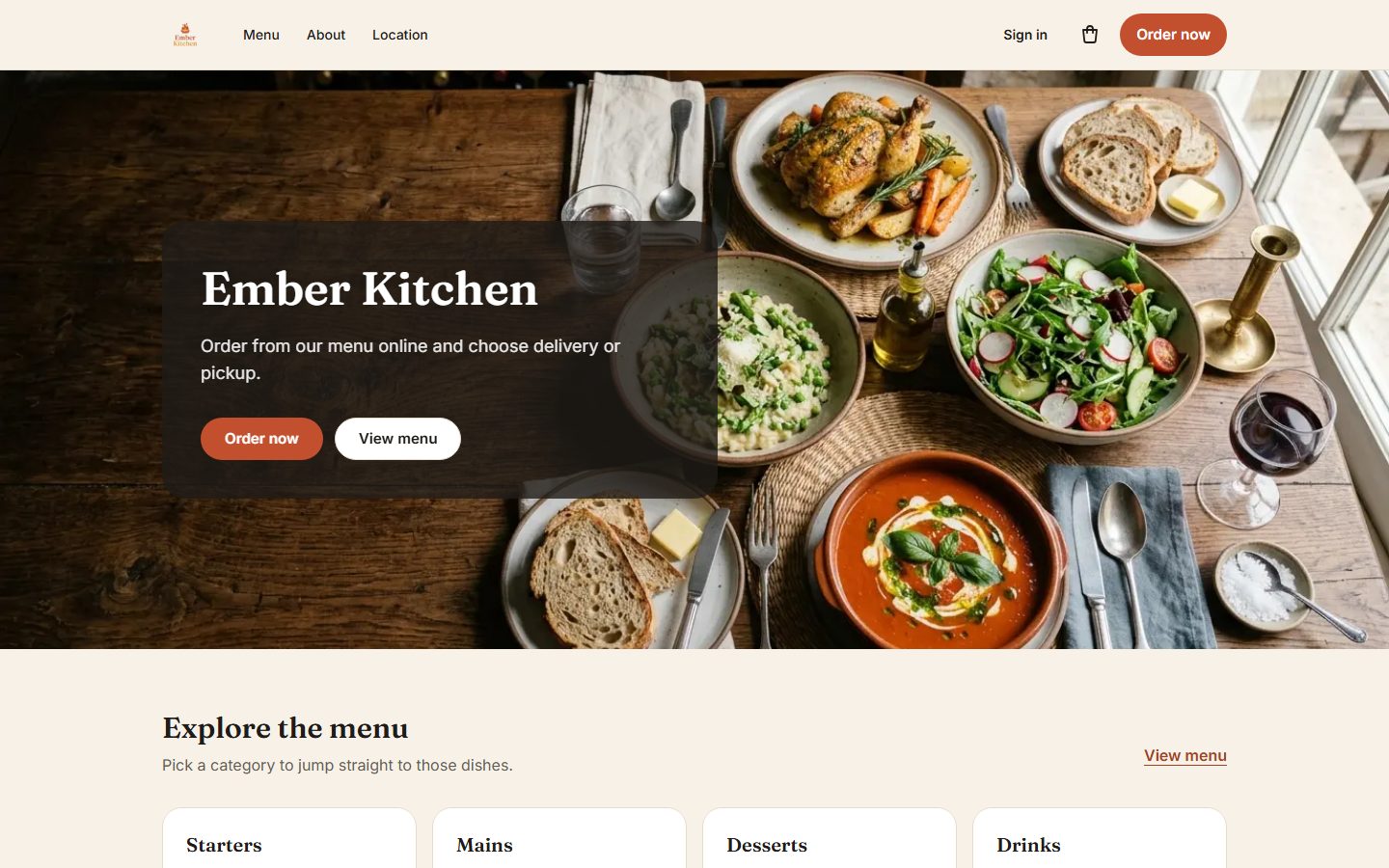
Ember Kitchen website
What was asked
The request was a site the restaurant could run from: the menu, the tables, reservations, and the orders for that service. A page with only an address and a phone number was not enough.
The site
Nyravi built the menu, the room, and the reservation request as one website project. A clearer view of which tables are still open is a later note in the same chat. The seasonal menu changes there too.
What the floor opens
The preview is the site the team opens before service. Guests can request a table. A dynamic site can also show its API and admin panel when those addresses exist.
The steps
On the home page, choose Website and describe the restaurant, or open Templates and start from a restaurant demo. Nyravi generates the site, checks the build, and opens the preview. Publish when the restaurant should share a Nyravi address.