Photo studio & passport photos
Photo studio business: how to start, run, and improve one
A practical operator playbook for starting, running, and improving a traditional walk-in photo studio in India: what a studio really sells, start-up and monthly cost formulas, passport, visa and ID photo, print, framing, portrait, restoration and school-photo pricing, template and compliance habits, privacy and file handling, team, customer journey, profit maths, local marketing, WhatsApp chatbots for appointments and photo delivery, and when a website, booking web app, mobile app, or logo actually helps. Business operations only, not legal, tax, or data-protection advice.
 Nyravi AILearn playbookFirst-time photo studio owners, family studios facing the shift to digital, and existing walk-in studios that want more sittings, better print and frame sales, and steadier profit
Who this guide is for
Read this if you are planning to open a walk-in photo studio, if you are a family studio that has done passport photos and portraits for decades and now feels the pull of phone cameras and online uploads, or if you already run one and the counter is busy but the profit is thin. It is also for owners who are tired of customers who ask for a soft copy and refuse to pay for prints, rejected passport photos that must be reshot for free, and hard drives full of unsold sittings.
The playbook covers the business around the camera and the counter: sittings, templates, prints, frames, files, privacy, and reputation. It is written for the walk-in studio owner. If you shoot weddings, events, and brand work as a freelancer, read the photographer playbook. If you print documents and banners, read printing and xerox and stationery. For frames and keepsakes, see gift shop. A traditional photo studio is different from all of them, and mixing them up is where owners lose money and margin.
What a photo studio business is
A photo studio business is a shopfront imaging business that shoots passport, visa, and ID photographs, studio portraits for individuals, couples, families, and children, and sells prints, enlargements, lamination, frames, albums, and photo restoration and editing. Revenue comes from quick high-volume jobs (passport and ID photos), sitting fees and print or frame sales (portraits), institutional work (school and staff ID photos), and higher-margin services such as restoration, collages, and gifts. It is capped by studio hours, template accuracy, and the number of customers who walk in.
Terms you will use every week
- Passport or ID photo: a standard-size photograph with a defined background, framing, and expression, for an official document
- Template or specification: the written size, background, head-position, and file rules for each document type, which change by authority
- Sitting fee: the charge for the photographer’s time and the studio session, usually separate from prints
- Retouching: editing a photograph to correct colour, light, and blemishes, within the limits that official documents allow
- Dye-sublimation or inkjet print: common instant-print technologies, with different paper cost and finish
- Enlargement and framing: scaling a photo to a larger print and mounting it in a frame, usually a high-margin add-on
- Restoration: repairing old, torn, or faded photographs, scanned and rebuilt digitally
- Soft copy or digital file: the image delivered by WhatsApp, email, or download, which customers increasingly request
A freelance photographer sells coverage of events and projects. A printing shop sells output of documents and banners. A gift shop sells keepsakes. A photo studio sells the one thing none of them can promise on the spot: a correct, well-lit photograph taken in a controlled space and delivered in minutes in the right format. That is why the product you manage most carefully is not the camera. It is accuracy, light, and trust with personal images.
What a photo studio really sells
A customer does not buy a photograph. A customer buys a passport photo that will not be rejected at the application desk, a family portrait that finally captures grandparents and grandchildren together, a restored picture of a late father, or an ID photo for a school of four hundred children, plus the confidence that the studio will treat personal images with care and deliver on time. The best studios sell accuracy and care first, and speed and price second.
A studio that takes a lovely portrait but delivers a rejected passport photo, loses a customer’s files, or posts a child’s photograph online without asking will not get a referral. The studio that is slightly slower but checks every template, explains the rules, and handles every file respectfully is the one families return to for twenty years.
Choose a focus before you build or rent
Photo studios drift into doing everything: passport photos, portraits, events, videography, flex printing, and gifts. Each has a different skill, margin, and competitor. Pick a primary line that pays the bills every month and a secondary line that adds margin, and let everything else be an opportunistic job at a fair price or a referral.
Decide these before you commit money
- Volume ID and passport photography near a government office, college, or travel agent, or portrait and family work in a residential area
- Whether you will do school, college, and staff ID photography, which needs a mobile kit and a day-plan
- Which portrait niches you will serve: family, baby and child, couple, maternity, corporate headshots, or senior citizens
- Whether you will sell frames, albums, and photo gifts, and how much stock you will carry
- Whether you will offer restoration, scanning, and collage as a paid service
- How you will price soft copies, and whether you will deliver digital files at all, and under what terms
- A studio in a busy lane, a first-floor space near an office cluster, or a counter inside a travel agency, print shop, or mall
Start-up and monthly cost formulas
A photo studio is moderate on stock but heavy on equipment, space, and trust. The camera, lights, printer, and computer are paid for before the first customer, and rent and salaries continue in weeks without a travel season or a school drive. Most failures are not caused by bad photographs. They are caused by pricing that gives away soft copies, by ignoring print and frame margin, and by a start-up budget that ignored slow months.
Registration, safety, and local permissions
A photo studio is a small service and retail business, so the permissions are usually simple, but it handles personal images, including those of children and official-document photographs. Treat this list as a checklist to confirm locally, not as legal advice, because requirements for trade licences, GST thresholds, signage, and personal data differ by city, state, and authority.
Items to confirm with the local authority and your advisers
- Business structure, PAN, current bank account, and GST registration if you cross the turnover threshold or sell frames and gifts
- Shop and establishment registration or trade licence from the municipal body
- Rent or ownership documents and, for markets and malls, the association’s rules for signage and counters
- Insurance for the shop, camera and lighting equipment, and customers’ original photographs left for restoration
- Electrical safety for studio lights and printers, cable management, and a suitable fire extinguisher
- The current official specification for each document photo you offer, kept in writing and updated when the authority changes it
- A written privacy and data-handling policy for customers’ images, ID copies, and phone numbers, reviewed by an adviser against India’s data-protection law
- Consent rules for photographing children and for any use of images in your own marketing
The team a photo studio needs
A studio with one person doing the counter, the camera, the retouching, and the printing has a ceiling of about ten jobs a day and no one to cover a school drive. Past that, intake, shooting, editing, printing, and delivery need separate roles and written checklists, so the photographer is not interrupted at every sitting.
Roles that keep sittings flowing
- Owner: pricing, equipment buying, template and privacy policy, portrait work, and the monthly review
- Photographer: portraits, children, families, and school and ID drives, and training the assistant
- Retoucher or editor: colour correction, cleaning, restoration, and collage work, in-house or outsourced
- Counter and print assistant: passport and ID shots, template checks, prints, lamination, framing, and billing
- Part-time driver or delivery person for school drives and framed-order delivery
- Part-time bookkeeper or accountant: GST, daily cash, supplier payments, and monthly statements
Train every new person on one rule: every passport and ID photograph is checked against the written specification before printing, and every customer file is saved under a job number and deleted on schedule. A thirty-second check prevents a free re-shoot and a lost customer.
Templates, specifications, and quality checks
Passport, visa, and ID photographs fail for small reasons: wrong size, the wrong background, shadows, glasses glare, a tilted head, or an expression the authority does not accept. A studio earns its repeat business by getting these small things right every time and by knowing the rules before the customer asks.
A template and quality discipline
- Keep a written, dated specification sheet for each document type you offer, copied from the issuing authority’s current guidance, and review it every quarter
- Use a fixed camera position, light setup, and backdrop for ID shots, so every sitting starts from the same baseline
- Check head size, position, background, shadows, glasses glare, and expression on the screen before printing
- Print a test set for new document types, and compare it with the authority’s sample before you offer the service
- Offer a clear re-shoot policy: a free re-shoot if the studio made the error, and a charge if the customer changes their mind or the rule has changed
- Calibrate printers and monitors on a schedule so colour and size stay consistent
- Never alter facial features, skin tone, or background beyond the permitted correction for official documents
Never promise “guaranteed acceptance”. Say that your photographs are made to the current published specification and that you will re-shoot free if the studio made the error, and explain that the final decision rests with the issuing authority.
Pricing ID photos, prints, portraits, frames, and restoration
Studio pricing works best as a clear board with a few bands, not as a number made up at the counter. ID photos build footfall and repeat visits. Portraits build revenue. Prints, frames, and restoration build profit, because that is where the customer values craft over a phone camera.
Build a price board you can explain in one minute
- ID and passport photos: priced per set of copies, with a clear price for extra copies and a digital file
- Sitting fees for portraits by length and number of people, with a clear rate for children, families, and couples
- Print sizes from wallet to large format, priced by size and paper, with a bulk rate for multiple copies
- Enlargement, lamination, and framing priced as ready combinations, such as portrait, mount, and frame, in good, better, and best options
- Restoration, scanning, and collage priced on estimate, with a deposit and a clear promise date
- School and staff ID photography priced per student or employee, with a minimum number and a fixed shoot day
- A separate, clearly stated price for digital files, so customers understand what they are buying and what is included
The customer journey from walk-in to review
Most photo studio customers come in a hurry and with a doubt. They fear a rejected photograph, an unflattering portrait, or a price that rises at the counter. A calm, visible process converts those doubts into trust.
A standard journey
- 1
1. Greeting and brief
Ask what the photograph is for, which authority or office it goes to, how many copies are needed, and whether a digital file is wanted.
- 2
2. Specification check
Pick the right template for the document type, confirm the current rules, and tell the customer what to remove or adjust, such as glasses, jewellery, or headwear within the rules.
- 3
3. Sitting
Position the customer, set the light, take a few frames, and check them on the screen together.
- 4
4. Selection and edit
Let the customer choose the best frame, apply only the permitted corrections, and confirm the final image before printing.
- 5
5. Print and check
Print, cut, and check size, colour, and background against the specification, and reprint immediately if anything is off.
- 6
6. Billing and file handling
Give a clear bill, send a digital file only if agreed, and tell the customer how long you keep the file and when it is deleted.
- 7
7. Handover
Hand over the prints with a short note on how the photographs are meant to be used and how to reorder.
- 8
8. Follow-up
For portraits, ask how the frames look at home a week later, and for ID photos request a review once the customer has used the photograph.
Privacy, file retention, and consent
A studio holds a face, a name, and often a phone number or an ID copy. Clear rules protect the customer and the business, and they separate a trusted studio from a risky one. Have a local lawyer or adviser review the wording of your policy against the current data-protection rules.
Rules worth writing down
- State at the counter what you store, why, how long, and how a customer can ask for deletion
- Save every file under a job number, not a full name, and keep the computer password-protected and backed up securely
- Delete ID and passport photo files on a set schedule after delivery unless the customer asks you to keep them
- Never share, sell, or post a customer’s image, including a child’s image, without written consent
- For schools and offices, agree in writing who owns the images, who can see them, and when they will be deleted
- For restoration, record the condition of the original at intake, return the original safely, and keep scans only as agreed
- Limit who can access the files, and remove access when a staff member leaves
A simple weekly rhythm
Run the studio on a short scoreboard
- Daily: check appointments, framing and restoration orders due, school drives scheduled, and print paper and ink stock
- Daily: close the day with a count of customers, cash in the drawer, files saved under job numbers, and the camera and lights switched off
- Before each ID print: check the specification, head position, background, size, and colour on the screen
- Weekly: enquiries received, sittings, prints and frames sold, restoration orders, and re-shoots or complaints
- Weekly: job mix by type, average ticket, attach rate for prints and frames, and the oldest pending order
- Monthly: profit and loss, paper and ink spent against used, re-shoot log, supplier prices, and reviews
Money: the numbers that decide survival
Watch these every week and every month
- Customers served, sittings, orders delivered, and orders older than their promise date
- Average ticket and job mix between ID photos, prints, frames, portraits, restoration, and institutional work
- Contribution per job after paper, ink, frames, and consumables
- Fixed cost covered by contribution so far this month
- Attach rate for prints and frames after portrait sittings
- Cash in hand against two to three months of fixed costs
- Paper, ink, frame, and album stock value and the share unused for twelve months
ROI formulas you can use this month
Marketing a photo studio in India
People search for a photo studio the day a passport or visa application needs a photograph, before a birthday or anniversary, or when an old photograph needs restoring. Your marketing should therefore be proof first: real portrait samples, a visible price board, a clear passport and ID promise, and reviews from people nearby.
What moves customers
- A complete Google Business Profile with accurate hours, a price board in the photos, and quick replies to every review
- A portrait wall and window with framed samples, shot with consent, and a small display of before-and-after restorations
- A visible price board for passport, visa, and ID photos, copies, and digital files at the counter and online
- Tie-ups with travel agents, visa consultants, colleges, coaching centres, and government-document service centres that send walk-ins
- School, college, and office outreach for ID photography drives and annual portraits
- Seasonal offers for festivals, birthdays, anniversaries, and school-term starts, with a framed-print combo
- A reminder card or message to past portrait customers on each family anniversary or festival
Reviews and reputation
A single negative post about a rejected photograph or a mishandled child’s portrait travels through family and society groups quickly. Reviews are not a side task. They are the second most important sales tool after the photograph itself.
A review routine that works
- Ask for a review a week after the sitting, with a direct link, when the customer has used the photograph or hung the frame
- Reply to every review within 48 hours, thanking the good ones and offering a call for the bad ones
- Tag each complaint by cause: rejected photograph, delay, price change, portrait quality, privacy concern, or communication
- Fix the cause with the biggest count first and tell the team what changed
- Never argue publicly, and never share a customer’s name or photograph without written permission
Channels that bring customers
Rank them by cost per job
- Referrals from past customers, travel agents, and visa consultants: usually the cheapest and highest-converting
- Walk-in footfall from a good location, a clear price board, and a portrait window display
- Google Maps and local search: high intent when the profile, hours, and price board are clear
- WhatsApp forwards of a price list and a photo of the studio among family, society, and office groups
- Instagram and short videos: useful for portrait samples, restorations, and festival offers
- School, college, and office tie-ups for ID photography drives and annual portraits
- Listings on local service directories: useful for reach, but track the cost of each lead and the share that become jobs
Track the source of every job in one column of your register. After a quarter you will know which channel costs the least per completed job and which one only brings people asking for a price.
Automation that frees the owner
Automate these first
- Appointment confirmation with the date, time, what to wear, and what to bring for portraits and group sittings
- Pre-visit message for ID photos with the document types, the specification summary, and the price
- Ready message for framing and restoration orders with the amount, opening hours, and the job number
- Digital delivery of agreed files with a clear note on retention and deletion
- Reminders for uncollected prints and frames on day 7, day 14, and day 30, in a polite and consistent tone
- Seasonal reminders before festivals, birthdays, anniversaries, and school-term starts to past customers
- A weekly digest to the owner: customers, sittings, attach rate, orders pending, and stock running low
Where a WhatsApp chatbot helps
Customers message at all hours while the photographer is mid-sitting: “How much for passport photos?”, “Do you do visa photos for the US?”, “Can I book a family portrait on Sunday?”, “Can you send my photo on WhatsApp?”. If those messages wait until the evening, the customer has already walked into the next studio or used a phone app.
What a business WhatsApp chatbot is good for
- Answering opening hours, location, and standard price board questions from facts you approve
- Collecting the document type, the number of copies, and the preferred time before the visit
- Booking portrait and family sittings and sending a confirmation and a reminder with a map pin
- Sending framing and restoration status updates and ready messages
- Delivering agreed digital files with a retention note and collecting feedback and review requests
- Handing the whole thread to the photographer for complex requests, school drives, or complaints
Why photo studios use it
- Customers already live on WhatsApp and prefer a message to a phone call
- One shared inbox instead of the owner’s personal number
- Fewer repeat calls that interrupt a sitting
- Faster first replies, which is where walk-in and booked jobs are won
Use WhatsApp for conversation, your website for the proof, and a web app when the appointment book, orders, and file-retention schedule need to live in one place.
Growing a photo studio business
Growth is not only a second studio. It is more booked sittings from the first one, a higher attach rate for prints and frames, more institutional work, and steadier income between travel and school seasons.
Ways to grow responsibly
- Add a portrait and family line with appointment slots, a ready frame showroom, and annual reminders
- Introduce restoration, scanning, and collage packages with before-and-after proof and deposit-based estimates
- Take school, college, and office ID photography drives with a mobile kit and a fixed shoot day
- Offer corporate headshots for offices, clinics, and professionals on set days
- Sign tie-ups with travel agents, visa consultants, and document centres who send passport and ID work
- Sell a small range of quality frames, albums, and photo gifts with a visible price board
- Standardise the specification sheet, consent form, and job register before opening a second studio
Where a website helps
Customers will check your website before they trust you with a family portrait or a visa photograph. It should show the services and price bands, portrait samples, restoration before-and-afters, hours, a map pin, a way to book a sitting, and a WhatsApp button, in that order. A website that lists only a phone number and one stock photograph loses to the studio that answers the first question on one page.
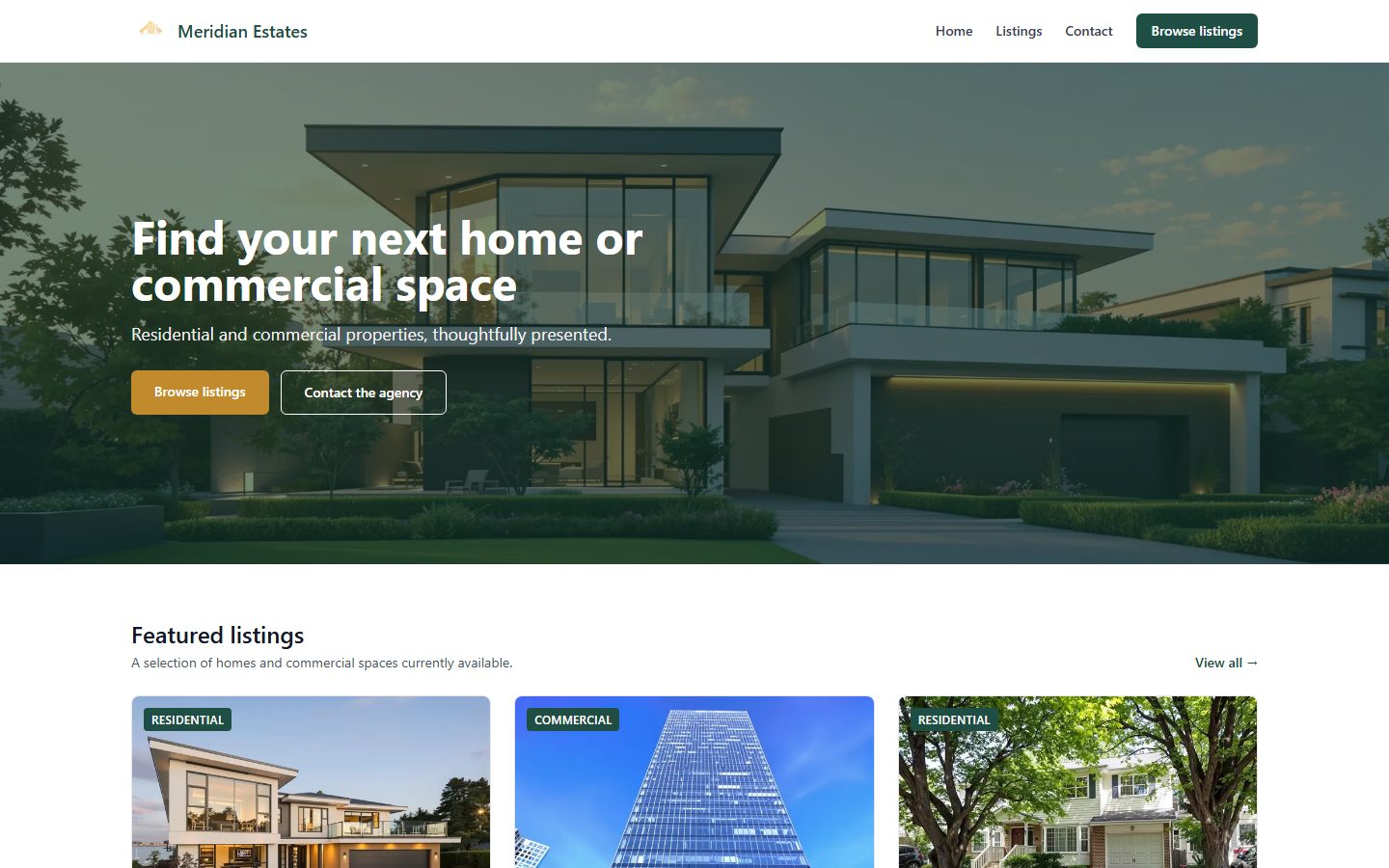
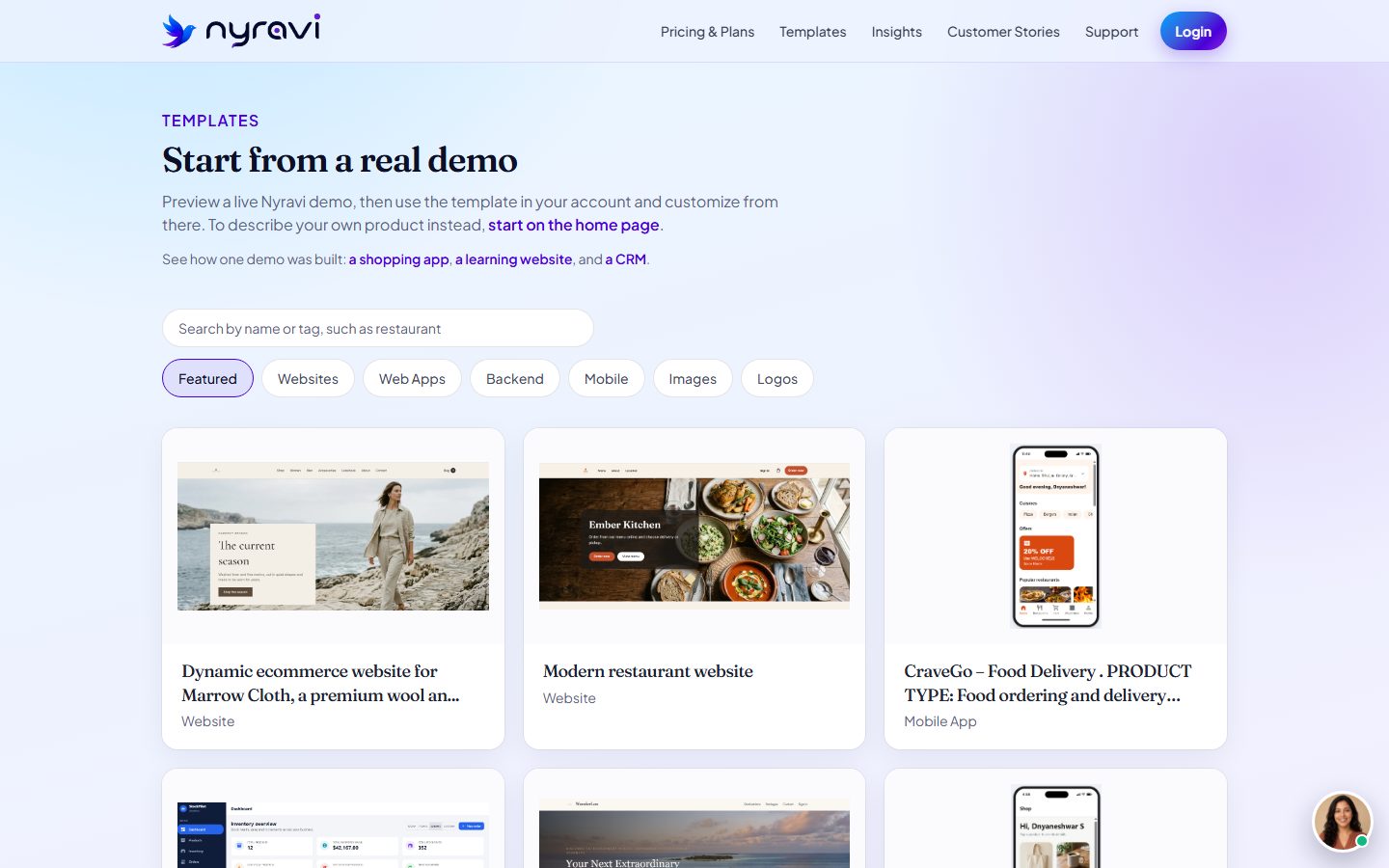
Start from the AI website builder or build a website with AI and describe the studio, the services, and the three questions you want a customer to answer on the page.
Where a web app helps
A web app helps when the appointment book, orders, specification sheet, file-retention schedule, and school drives outgrow a notebook and a spreadsheet, and when two people might double-book the same slot. A signed-in studio board that shows appointments, framing and restoration orders by status, files due for deletion, and drives scheduled gives the owner, photographer, and counter the same answer.
Open the AI app generator or the AI web app builder and describe the screens: appointment book, new order, status board, specification sheet, file-retention list, and a reminder list. If you also track paper, ink, and frames, the inventory app builder is a close fit.
Where a mobile app helps
A mobile app suits the photographer and counter assistant who need an appointment list in their pocket, a camera for reference photos, a quick specification screen, a record of consent, and a push alert for a new booking or a ready frame. Build it after your paper register works for a month. Start from the AI mobile app builder.
Where a logo and brand mark help
A clear name and mark appear on your signboard, photo sleeves, frame backs, bills, WhatsApp profile, and a small stamp on every print, so they should look good at small sizes and on dark and light backgrounds. A studio that looks professional on a printed photo sleeve and a framed print is easier to trust with a family portrait. Use the AI logo generator to explore marks, and test each on your signboard and a WhatsApp profile picture before you print.
A ninety-day plan if you are starting
- 1
Days 1 to 15
Visit three nearby studios as a customer, count government offices, colleges, travel agents, and schools in your catchment, confirm permissions, and write your start-up and fixed-cost sheet.
- 2
Days 16 to 45
Set up the studio, lights, backdrops, printers, and counter. Build and print-test your specification sheets, write your consent and privacy policy, and decide your price board with an accountant and a lawyer.
- 3
Days 46 to 70
Photograph your first sittings with consent, build a simple website and Google profile, meet ten travel agents, visa consultants, and schools, and open with a few introductory prices on ID photos and a framed-portrait combo.
- 4
Days 71 to 90
Run the studio for a full month, measure average ticket, attach rate, and break-even jobs, collect reviews, and fix the three biggest delays or rejections before you spend more on advertising.
A ninety-day plan if you already operate
- 1
Days 1 to 15
Measure honestly: customers per day, average ticket, attach rate for prints and frames, re-shoot rate, file-retention practice, and top three complaints.
- 2
Days 16 to 45
Fix one leak: free soft copies, an outdated specification sheet, or unmanaged files. Set up a job register and a deletion schedule, and re-price the lowest-earning job.
- 3
Days 46 to 70
Add a visible price board, a frame showroom, and automated reminders. Meet five travel agents or visa consultants and one school or office for tie-ups.
- 4
Days 71 to 90
Lock the weekly scoreboard and plan the next quarter’s drives and seasonal offers. Only then consider a second studio or a bigger equipment purchase.
Common failure patterns
- Budgeting for equipment and rent but not for four slow months
- Giving away soft copies for free and losing print and frame revenue
- Printing from an outdated or unchecked passport or visa specification
- Promising guaranteed acceptance for an official document
- Posting or sharing a customer’s image, especially a child’s, without written consent
- Leaving customer files on a shared, unprotected computer indefinitely
- Replying to enquiries the next morning
- No review routine, so the same complaint repeats
- Opening a second studio before the first runs without the owner
When you are ready to build with Nyravi
Use this guide to decide what the studio needs. When the next step is a studio website, an appointment and order register, a counter app for specification checks and consent, or a brand mark for your sleeves and frames, open Nyravi and describe that product. Keep the brief short: who uses it, what they open first, and what they finish.
If you want help writing that description, ask on Support. Start on the [home page](/), or jump to the product pages linked above. For WhatsApp chatbots, start at cognitivesys.io. The photograph and the trust come first. The build carries the system once the system is clear.
Questions
How do I start a photo studio business in India?+
Start by choosing a focus such as passport and ID photography or portrait and family work, confirm local permissions, and build a start-up sheet that includes four slow months of working capital. Set up a camera, lights, and printer, write specification sheets and a privacy and consent policy, and visit three nearby studios as a customer before you open.
How much does it cost to start a photo studio?+
A small walk-in photo studio can cost roughly ₹4 lakh to ₹12 lakh in total when you include deposit, camera, lighting, printers, computer, stock, registrations, launch marketing, and working capital, but your figure depends on city, location, and equipment quality. The worked example in this guide totals ₹6,70,000. Always add four months of fixed costs before you open.
How much profit does a photo studio make?+
Profit depends on jobs per day, job mix, attach rate for prints and frames, and fixed cost, not on how many photographs you shoot. In this guide’s example, 364 jobs a month at about ₹350 contribution each, less ₹84,000 of monthly fixed cost, leaves roughly ₹43,400 a month. A studio that only does passport photos can struggle, so track average ticket and break-even jobs every month.
How do I price passport photos, portraits, and frames?+
Price with a clear board: a per-set price for passport and ID photos with extra copies and digital files priced separately, sitting fees for portraits by length and group size, and ready good, better, and best combinations for prints, mounts, and frames. Price restoration on estimate with a deposit, and re-check the studio-hour value of your slowest jobs every quarter.
How do I market a photo studio in India?+
Lead with proof: a complete Google Business Profile, a visible price board, a portrait wall with consented samples, and fast replies on WhatsApp. Build referral ties with travel agents, visa consultants, colleges, and document centres, offer ID photography drives to schools and offices, ask every customer for a review, and track which source brings each job.
How can I improve my photo studio sales?+
Reply to every enquiry within the hour, use appointment slots to fill quiet hours, and show finished frames so portrait customers buy prints and frames, not only a soft copy. Keep an up-to-date specification sheet for ID photos, send seasonal reminders to past portrait customers, and fix the most repeated complaint in your reviews first.
Can a WhatsApp chatbot help a photo studio?+
Yes, a WhatsApp chatbot can answer price and timing questions, collect the document type and number of copies, book portrait sittings, send framing and restoration updates, and deliver agreed digital files, while handing complex requests and complaints to the photographer. CognitiveSys, the parent company behind Nyravi, builds WhatsApp chatbots and shared inboxes. Start at cognitivesys.io.
Does a photo studio need a website or a web app?+
A photo studio benefits from a website for proof and bookings, and from a web app once appointments, orders, specification sheets, and file-retention schedules need one shared source of truth. The website helps customers decide to visit or book a sitting. The web app helps your team avoid double bookings and manage files properly. Start with the website, then add the app when the register outgrows a notebook.
Is a photo studio different from a freelance photographer or a printing shop?+
Yes, a photo studio is a walk-in shopfront that sells ID photographs, portraits, prints, frames, and restoration, while a freelance photographer sells coverage of events and projects and a printing shop sells document and banner output. Some owners combine them, but the economics differ: studios run on footfall, templates, and print and frame margin, and freelancers on bookings and project fees. Read the linked photographer and printing guides for those sides.
Can Nyravi help after I read this guide?+
Yes, Nyravi can help you build the digital side: a studio website, an appointment and order register web app, a counter mobile app, or a logo for sleeves and frames. Describe the product in plain language and ask on Support if you want help with the brief. For WhatsApp chatbots, start at cognitivesys.io. This guide covers business operations only, not legal, tax, or data-protection advice.